Snipers Vs Runners Tools
Lightweight helpers you can keep open beside Roblox — no login, no installs.
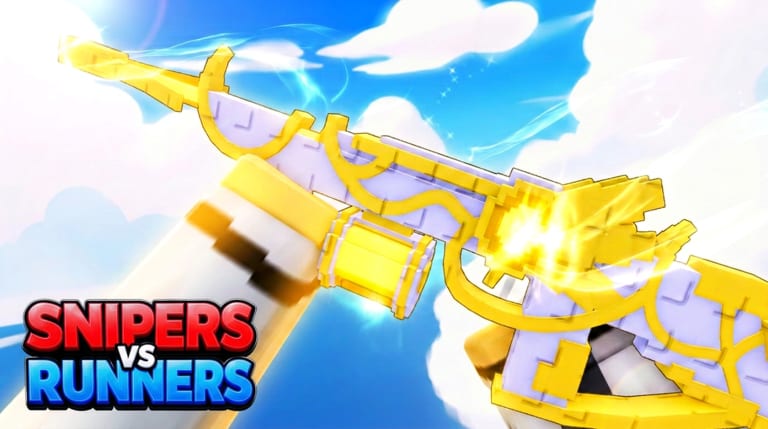
The Tools section of this wiki hosts small, browser-based helpers for Snipers Vs Runners on Roblox. They are built for the same workflows you already use when you open the Codes hub on a phone beside your PC, or when you rehearse Sniper lines and Runner routes before queuing. Nothing here connects to Roblox accounts, asks for passwords, or promises gameplay advantages — cosmetics from codes stay cosmetic, and checklists only organize your own habits.
Why we added tools
Chase games move fast. Promo codes are case-sensitive, and the FFA bundle fails if you redeem it in the wrong mode. Typing UPDATE1 from memory on mobile keyboards causes endless “invalid code” messages. Meanwhile, new Snipers forget to check spawn sightlines, and Runners sprint into open ground because they never planned a second route. Static wiki text solves the knowledge problem; tools solve the friction problem at the moment you act.
Available tools
Code copy panel
The Code copy tool wraps the four promos we track — RELEASE, UPDATE1, UPDATE2, and FFA — with one-click clipboard buttons and short reward reminders. Use it when you are already in the lobby with the Codes menu open. Pair it with How to redeem codes if you are on mobile or seeing errors, and read FFA code quirks before you assume FFA is broken.
Role prep checklist
The Role checklist tool splits Sniper and Runner pre-match reminders: map awareness, route planning, ability timing, and lobby etiquette. Checks persist in your browser’s local storage until you clear them, so you can reuse the same routine each session without re-reading a long guide. For deeper strategy, follow up with the Roles hub and How to play.
How tools fit the rest of the wiki
Tools are not a replacement for guides. They assume you already know where to redeem codes and what each role does. Start on the home page quick-start path if you are brand new: codes first, roles second, controls third, then tier list context before you spend Cash. When STOCK STUDIOS INC. ships balance patches, read Updates — tool buttons always copy the same strings listed on the Codes hub, which we update when promos change.
Safety and privacy
These pages run entirely client-side in your browser. Clipboard access is used only when you click Copy. The checklist stores boolean flags locally under a fixed key; clearing site data resets it. We do not operate code “generators,” Robux offers, or login portals. If a tool ever asked for credentials, it would not be part of this wiki.
Suggested workflow
- Open the Code copy tool on a second monitor or phone.
- Launch Snipers Vs Runners on Roblox from the official place link.
- Redeem general codes in lobby; queue Free For All before submitting FFA.
- Run through the Role checklist while matchmaking.
- After the round, read a focused guide from the Guides hub if a matchup felt confusing.
Related pages
- Codes hub — reward table and expiry notes.
- Tier list hub — where to spend Cash from codes.
- Players hub — role overview and team sizes.
- Scripts hub — optional automation notes (use at your own risk).
When we add more tools — for example, a simple sensitivity converter or FFA queue timer — they will appear in this hub with the same privacy rules and cross-links back to written guides.
Frequently Asked Questions
Quick answers about Snipers Vs Runners on Roblox.
Do I need to install anything to use wiki tools?
No. Open the tool page in any modern browser. Copy buttons use the clipboard API; if it is blocked, the page still shows the code text to copy manually.
Will the checklist sync across devices?
Not today. Local storage is per browser and per device. Use the same browser profile on one machine if you want checks to persist between sessions.
Are these tools allowed by Roblox?
They only copy public promo strings and store your personal checklist — they do not inject into the game client. Always follow Roblox Terms of Service and the game's own rules.